


What is an Ensemble Maker?
“Ensemble Maker” is a music arrangement support tool that automatically converts pre-prepared sheet music data within the service into optimal part allocations for the instrument arrangement being used.
Users simply choose “which song they want to play and with what instruments.” The system automatically adjusts the key and range, and separates roles such as melody and accompaniment, and the completed ensemble score can be used immediately.
Features/Strengths
Simply select your instrumentation and you’re done
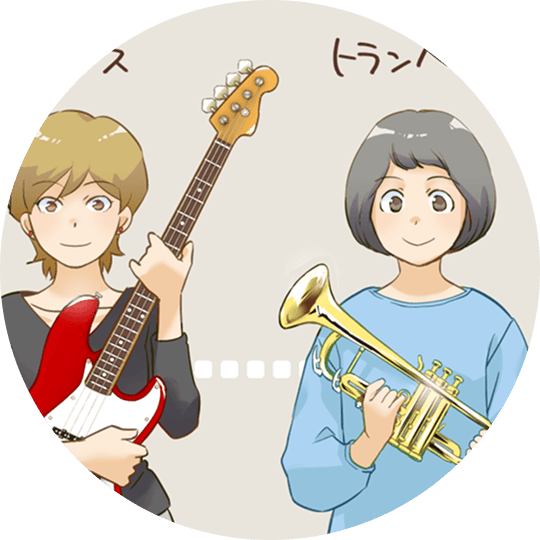
All you have to do is choose from the extensive song data stored within the service and the list of compatible instruments.
Once you have made basic settings such as key, the optimal part allocation will be automatically performed, taking into account the range of voice and expressiveness.
Supports a wide range of ensemble sizes

It can smoothly handle large-scale arrangements such as small ensembles, wind bands, and string ensembles.
Even if the personnel or instrument composition changes frequently, the system will reassign them and new scores will be completed without any hassle.
Supports MIDI sound preview and part practice
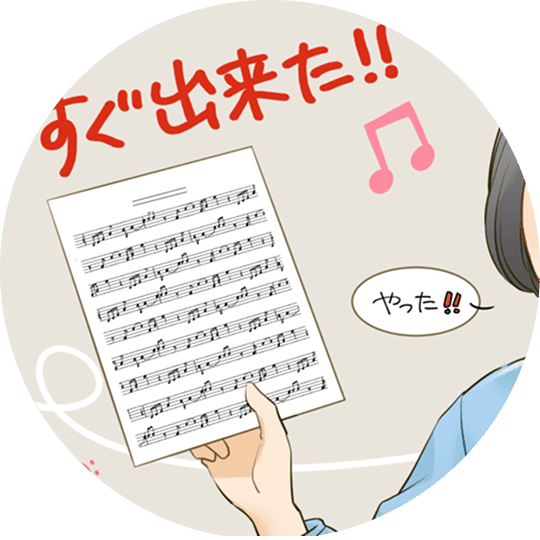
Once assigned, the score can be immediately sound checked using MIDI sound.
By exporting sound sources for each part, you can efficiently prepare in advance for individual practice or ensemble performances.
Flexible development that respects existing arrangements

Rather than generating new chord progressions or rhythms, this method assigns parts to each instrument based on prepared song data.
It allows you to easily create an arrangement that is just right for the performer while preserving the atmosphere of the original song.
活用シーン
Case1
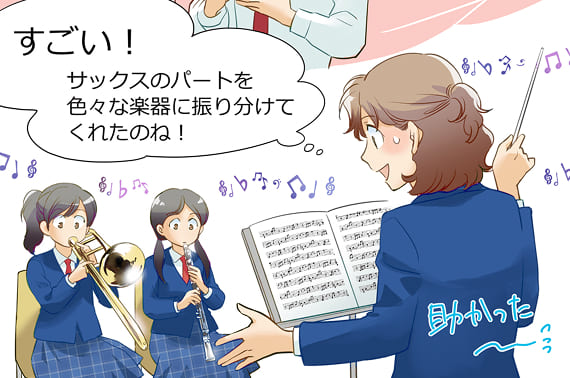
Guidance for ensembles at schools and music schools
- Once a teacher or instructor specifies the instrument and song, sheet music will be instantly prepared to suit the class or club arrangement.
- Audio files for each part help students practice individually and increase the efficiency of overall ensemble playing.

Case2
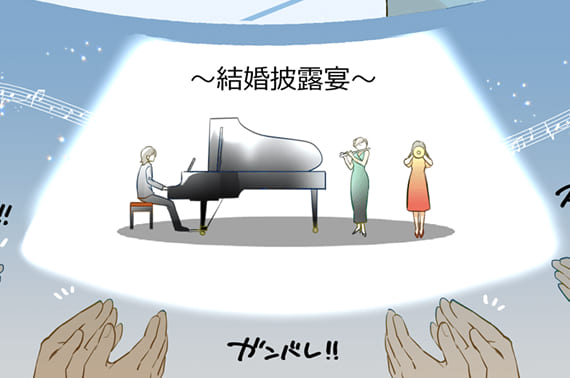
Stage preparation for amateur bands and ensembles
- Even when members change or the number of instruments increases or decreases, you can leave it to the system without having to worry about editing.
- When performing an existing song with your usual musicians, you can get an arrangement that fits the range and number of musicians.
Case3
Quick arrangements for events and recordings
- By trying out multiple arrangement plans in a short amount of time and checking the audio, you can quickly narrow down the one that matches your image.
- The system can accommodate sudden requests or the addition of new members, so rehearsals can be completed quickly.

Case4
Prototyping for professional composition and arrangement
- Using the songs registered on the service as a basis, various instrument arrangements can be quickly tested.
- By listening to and comparing prototypes, you can determine the direction of the full arrangement and improve production efficiency.
Advantages of introduction
1
Significant reduction in work time
- This eliminates the need for tedious manual transposition and part allocation, allowing you to focus on teaching, practicing, and creative arranging.
- This will significantly shorten the preparation time for events and recitals, making it easier to achieve high-quality performances.
2
Flexible organization and freedom of performance
- It can instantly respond to unique instrument combinations or changes in the number of performers.
- The keys can be set to suit the player’s level and preferences, making it easy to stay motivated.
3
Improving the efficiency of ensemble practice
- The preview function makes it easy to check the overall sound. By distributing sound sources for each part, you can improve the finishing level before playing together.
- Sheet music can be printed and distributed with just one click, reducing the hassle of managing paper and data.
4
Active in a variety of musical scenes
- Quickly create the “optimal ensemble” for any situation, including education, hobbies, and professional production.
- The tool provides powerful support even for special formations or live stages involving a large number of people.
Operation flow

STEP
01
Select the song and arrangement
Select the song you want to play from the list of songs prepared within the service, and set the instruments and number of participants to be used.
Change the key and specify the difficulty level, and make fine adjustments as necessary.


STEP
02
Automatic allocation and audio source confirmation
The system assigns the roles of the song to the instruments and automatically generates the musical score.
The balance and melody line are played back using a MIDI sound source to check, and any fine adjustments are made.

STEP
03
Score output and part practice
The completed score is printed out in PDF format and distributed as many copies as needed.
Practice audio for each part makes individual practice more efficient and improves the quality of the ensemble.
Planning
Future prospects
AI-driven fingering and performance advice
- The service will learn the fingering and playing techniques of each instrument and provide support such as suggesting easier-to-play shapes and accents.
Online collaboration
- We are considering features that allow for changing the instrument arrangement in real time and sharing and editing sheet music with members in remote locations.
Expansion of music and international compatibility
- We aim to further expand the library by increasing the number of songs and supporting instruments and musical styles from multiple cultures.
For more information about Ensemble Maker or to inquire about its implementation, please feel free to contact us here.
We bring together our technical capabilities in music and the know-how we have cultivated in education and performance venues to provide an environment where anyone can easily enjoy playing “on their own instrument.”